Photograph it. Note the size.
Take or choose a photo, add dimension lines, and enter your measurements in centimeters, millimeters, meters, inches or feet.
A little home for your measurements
The width of a window. The space for a fridge. Keep photos, dimensions and notes together, and take the guesswork out of shopping.
Coming soon · For iPhone
iOS 17 or later · English / 简体中文
From your home to the furniture store
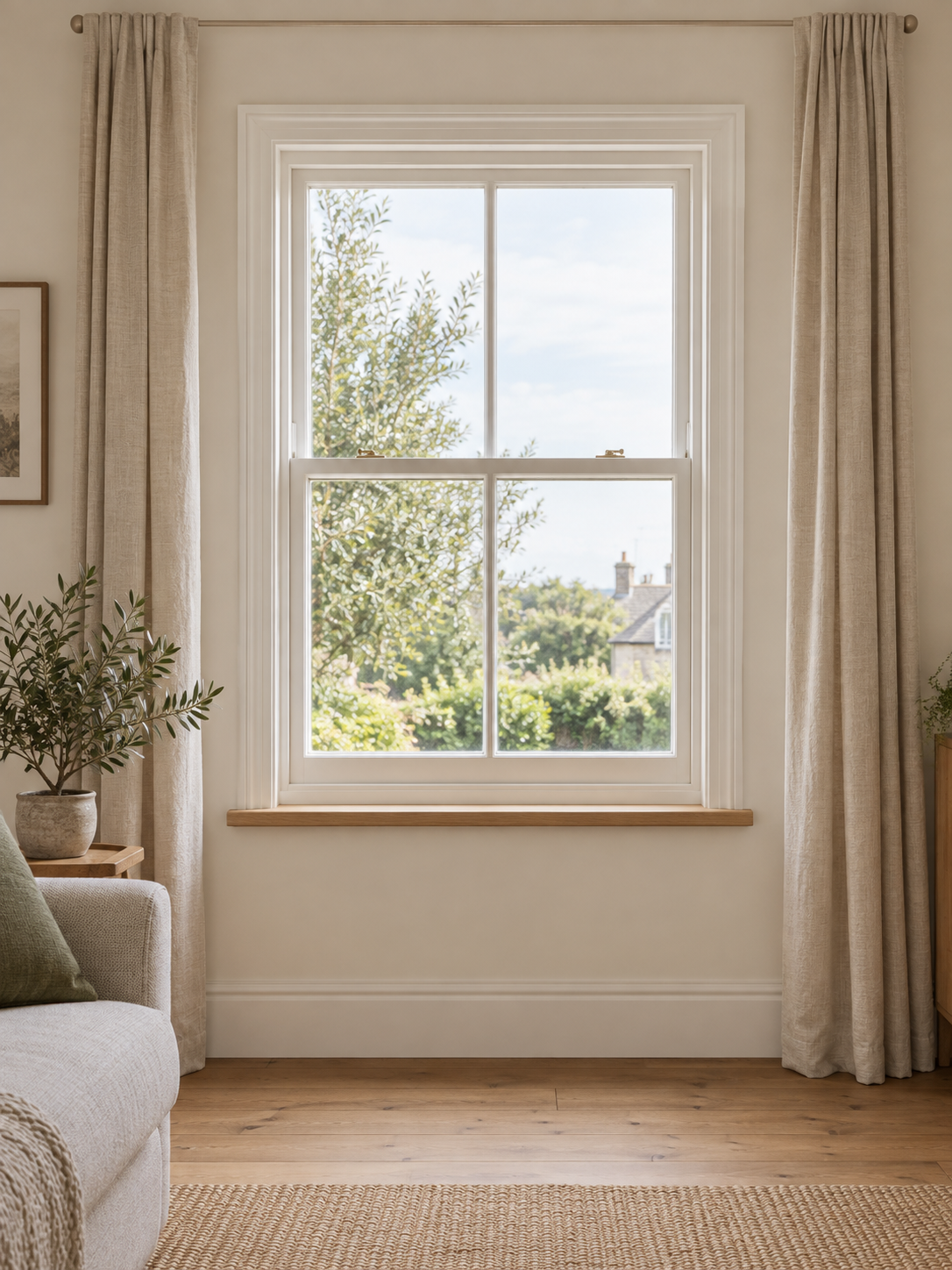
A photo shows where. A dimension tells you how big. A note keeps the details. Find them all together when you need them.
Take or choose a photo, add dimension lines, and enter your measurements in centimeters, millimeters, meters, inches or feet.
Organize by living room, kitchen or bedroom. Search names, rooms and notes to bring the right measurements back.
Export an annotated image or PDF for family, a supplier or an installer. Keep the dimensions and the details together.
A closer look
Simple tools, right where you need them. Choose a feature below to see it inside the app.
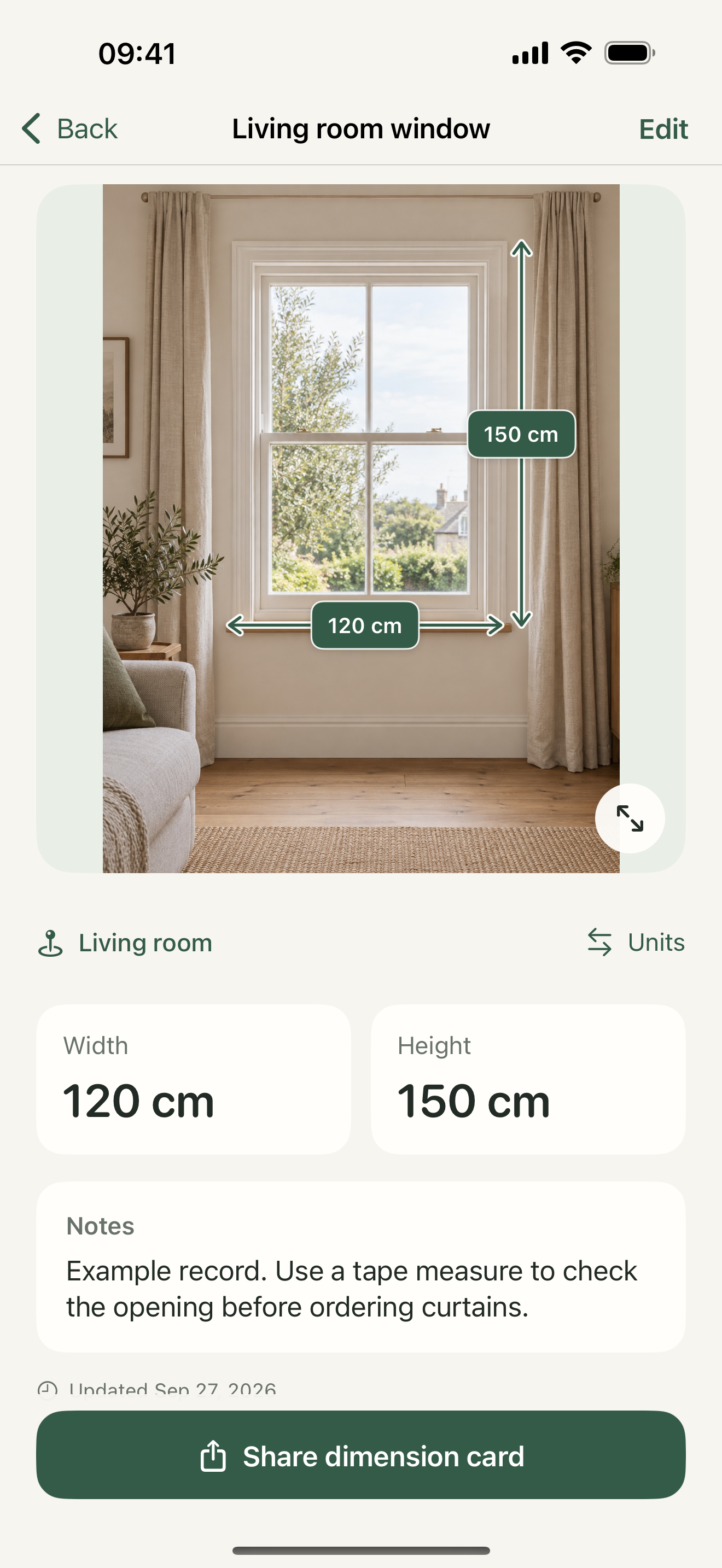
View dimensions
Pinch to inspect the photo and switch display units for a quick conversion. Viewing never changes your saved dimensions.
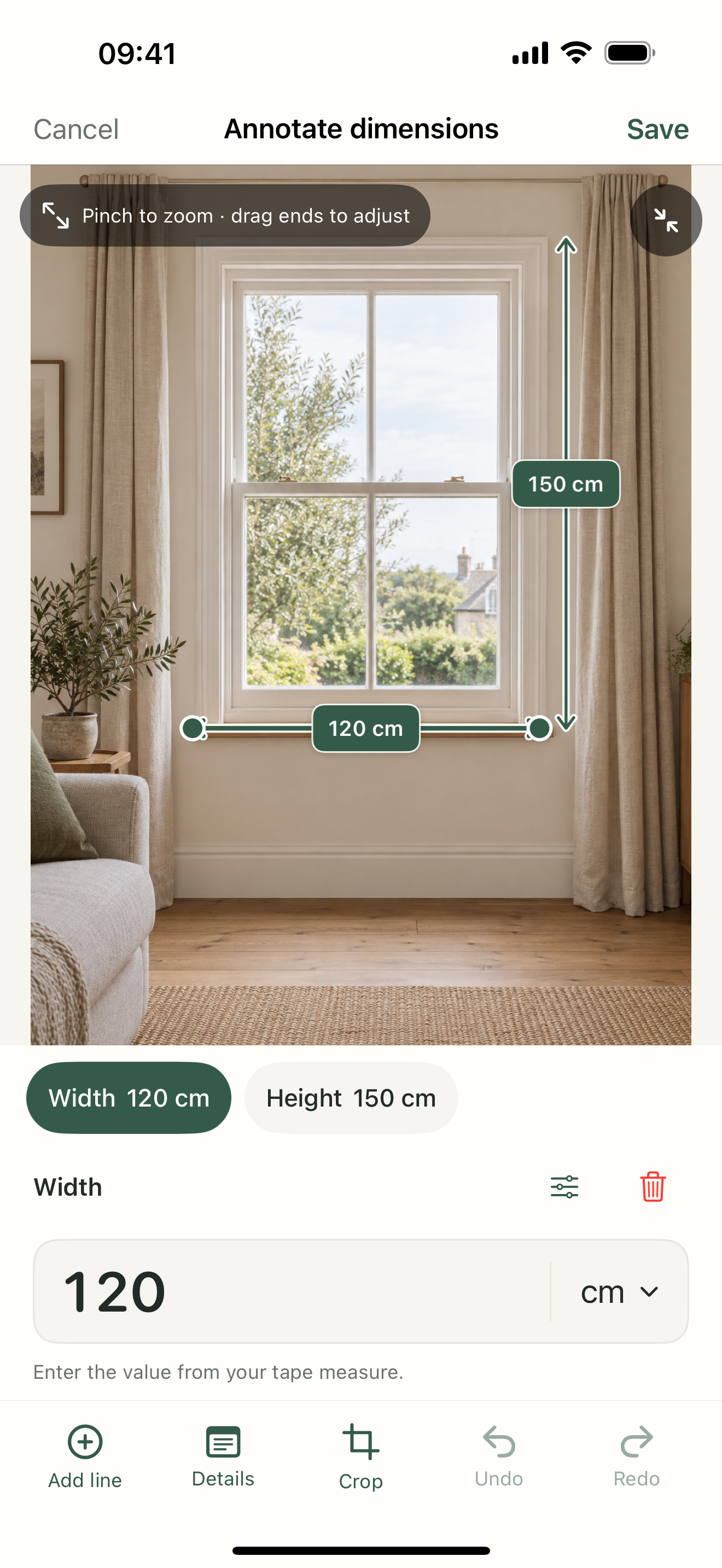
Annotate photos
Move the endpoints, name the dimension, and enter the value you measured. Undo and redo as you go.
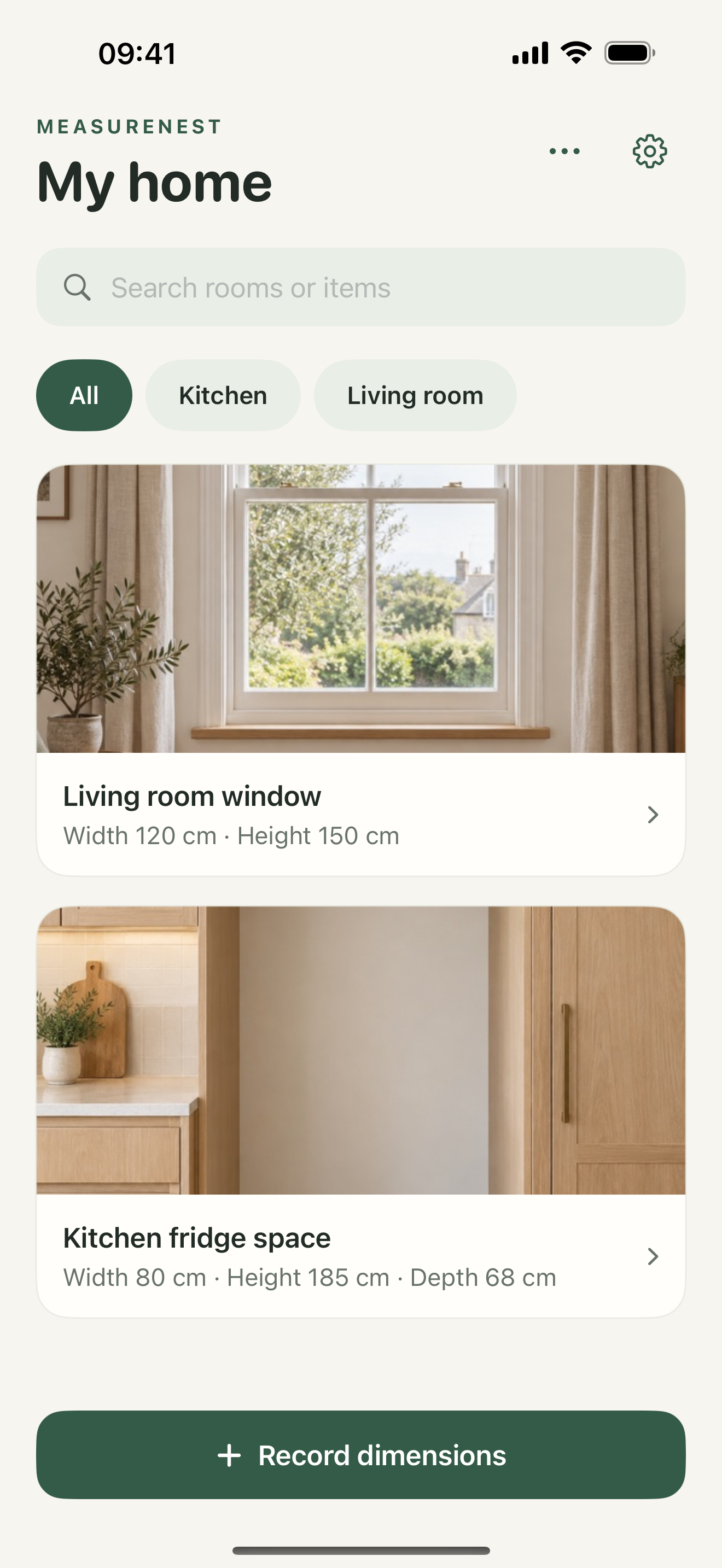
Find a room
Filter by room, then search names or notes. Windows, fridge spaces and awkward gaps are easy to find again.
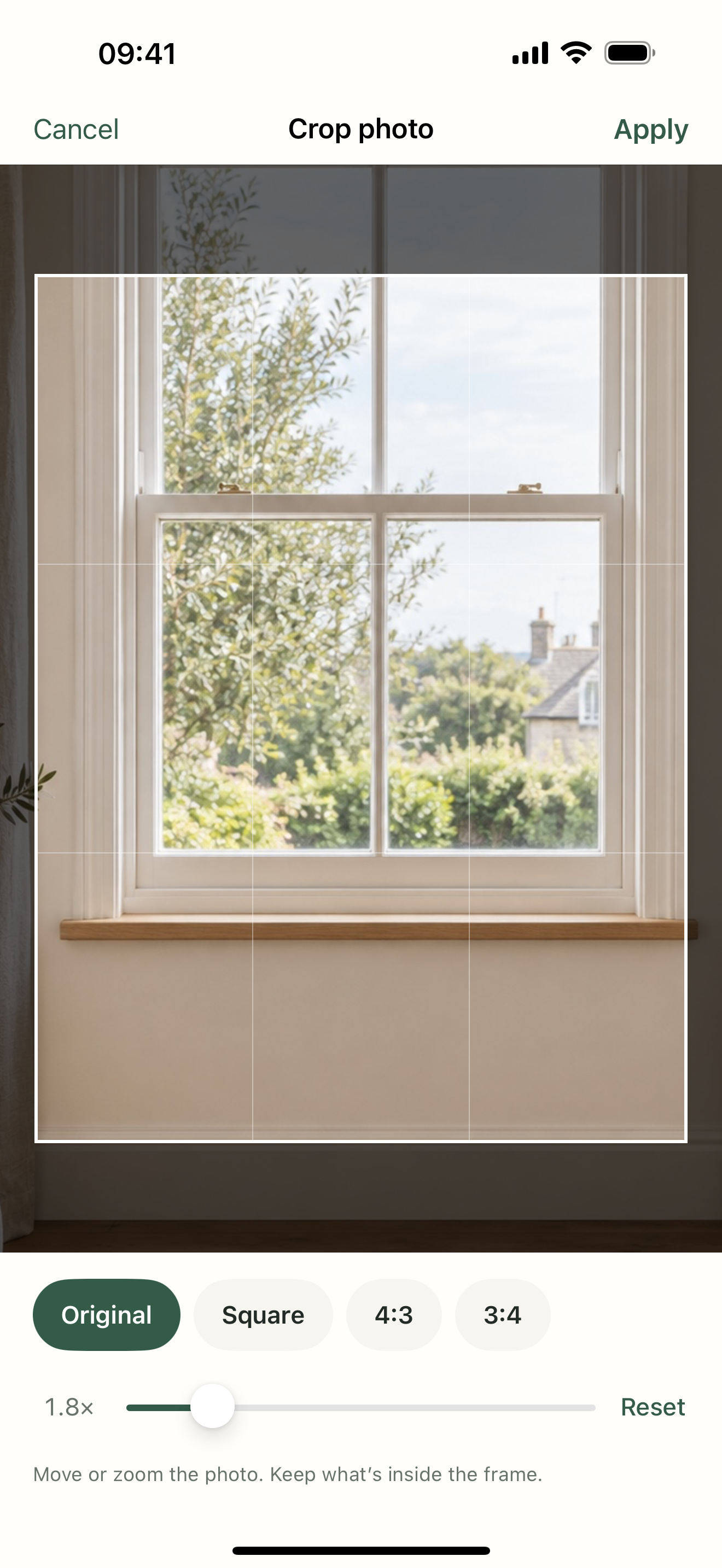
Crop a photo
Zoom, move and pick a ratio. The app warns before removing lines outside the crop, and leaves your original Photos image alone.
Actual app screenshots with fictional sample photos and manually entered example dimensions
Made to keep. Yours to take.
Combine up to 20 filtered records into one PDF, with dimensions and notes ready to share.
Create a full backup in Settings, save it to Files, and import it on another iPhone. Backups support up to 200 MB.
Deleted records go to Recently Deleted. Restore them when needed, or choose when to remove them permanently.
Your home. Your business.
Photos and measurements stay in your iPhone library. No account, ads or behavioral tracking. You choose where to save backups and who receives a shared file.
No. Measure with a ruler or another measuring tool first, then enter the values on dimension lines in the photo. MeasureNest does not use AR measurement or infer real-world sizes from pictures.
MeasureNest is coming soon and is not available to download yet. It is planned as one paid download with all features included, no subscription and no in-app purchases. The App Store listing will show the price at launch.
There is no automatic cloud sync. Save a complete backup to Files, then import it on another iPhone. Import keeps the existing library, skips identical copies and preserves different versions.
A PDF is for reading and sharing; it cannot be imported as editable records. A complete backup supports up to 200 MB and includes photos, records and Recently Deleted. Exported files are not password-protected, so save them somewhere you trust.
No. The system photo picker shares only the photos you select. Camera permission is requested when you choose to take a photo. Saving an exported image from the share sheet may ask for add-only Photos access.
Take the numbers you need on your next trip out.
Coming soon · For iPhoneiOS 17 or later · English / 简体中文