EASYSCORE / SUPPORT
Help & support
From the first serve to your saved scorecard.
Start in a few taps
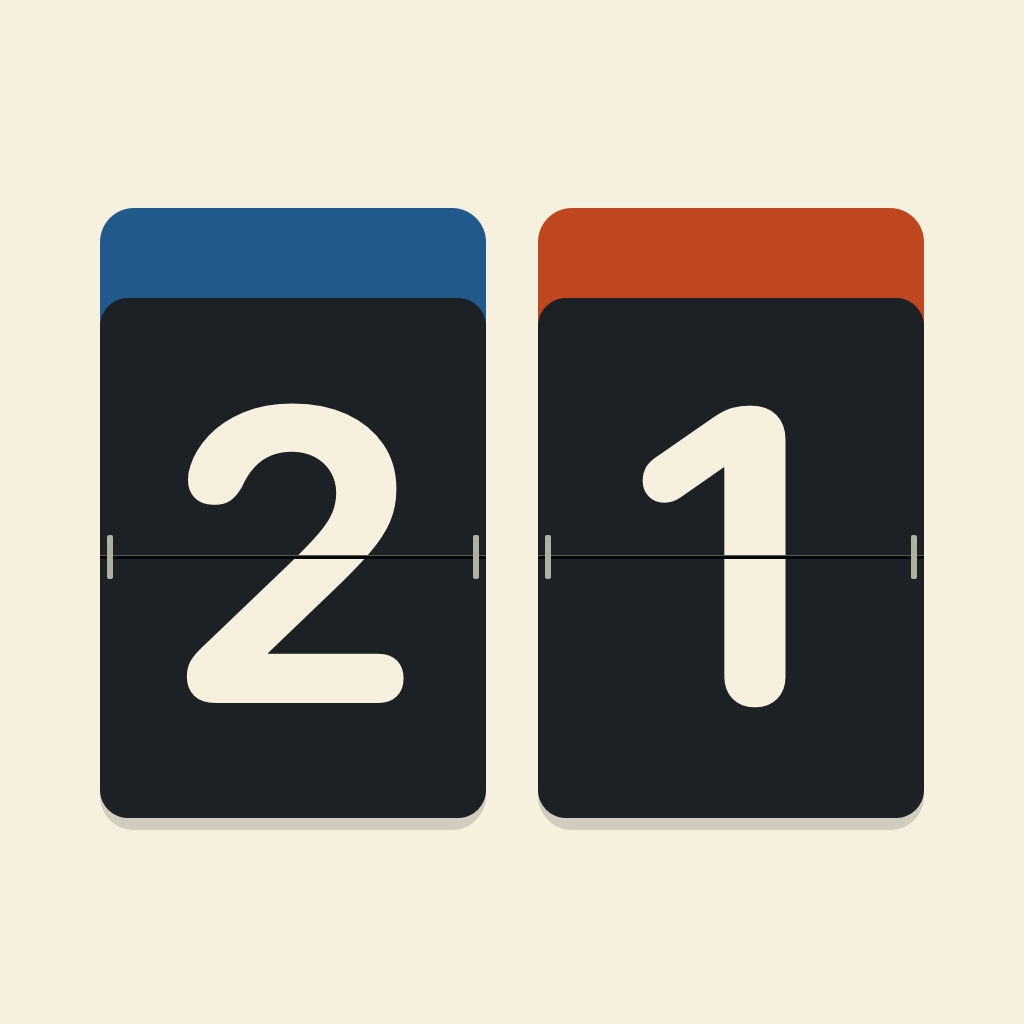
Choose a sport, name the sides if you like, and check the rules. Blue team and Orange team work without entering names. The last setup is remembered.
A point, a flip
Tap the large score area once to add a point. Quick taps are recorded immediately while the animation catches up. On iPhone, use the top rotation button for a landscape board, even with Portrait Orientation Lock on. Tap again for portrait, or choose Follow device rotation in More. On iPad, rotate the device to change orientation.
Orientation and pause
Use the orientation button on iPhone to turn the scoreboard; choose “Follow device rotation” in More to return to automatic orientation. iPad follows system rotation. Pause changes the same bottom button to Resume and keeps the scores in place.
Correct a mistake
Undo restores the last point or next-set action, including a point that ended a set or match. Elapsed time and the physical position of the teams do not rewind. Up to 2,000 recent actions can be undone before a match is archived.
Serving indicator
The small dot marks the serving side. Badminton follows the last rally winner. Table tennis changes serve every two points and every point at deuce. It identifies a side, not individual doubles players. General mode has no serving indicator.
Switch ends
Switch ends moves each team together with its score. Starting the next set switches ends automatically. Mid-set changes, including deciding-set changes, are manual.
A clock that stays with the match
The clock continues while the phone is locked or another app is open. Pause it for a break. Returning home pauses a running match. A completed set pauses the clock until you start the next set. Avoid changing the device clock during a match.
Save and share
When the match is won, open the scorecard and choose Done to archive it. You can undo a winning point before archiving. End and save keeps an incomplete match with an explicit label. Rematch reuses the teams and rules.
Keep a copy
Export a full backup from Settings before changing devices. Import merges rather than replacing your history. Deleted matches stay in Trash until you remove them permanently.