Set your rules. Start a match.
Choose badminton, table tennis or flexible rules. Name your teams, choose the target and sets, and decide who serves first.
EASYSCORE / YOUR COURTSIDE COMPANION
One scoreboard. One good match. Tap for a point, undo a mistake, and keep every set clear from start to finish.
For iPhone and iPad · iOS 17 or later
Tap a team’s score to give them a point.
FROM THE FIRST POINT TO THE LAST
Choose badminton, table tennis or flexible rules. Name your teams, choose the target and sets, and decide who serves first.
Big numbers and two clear sides. Undo mistakes, switch ends, and pause or resume without moving the scoreboard.
Save every set, look back at your matches, and share a clean scorecard. Up for another? Start a rematch.
ACTUAL APP SCREENS
Before the first serve, during the game, and after the last point.
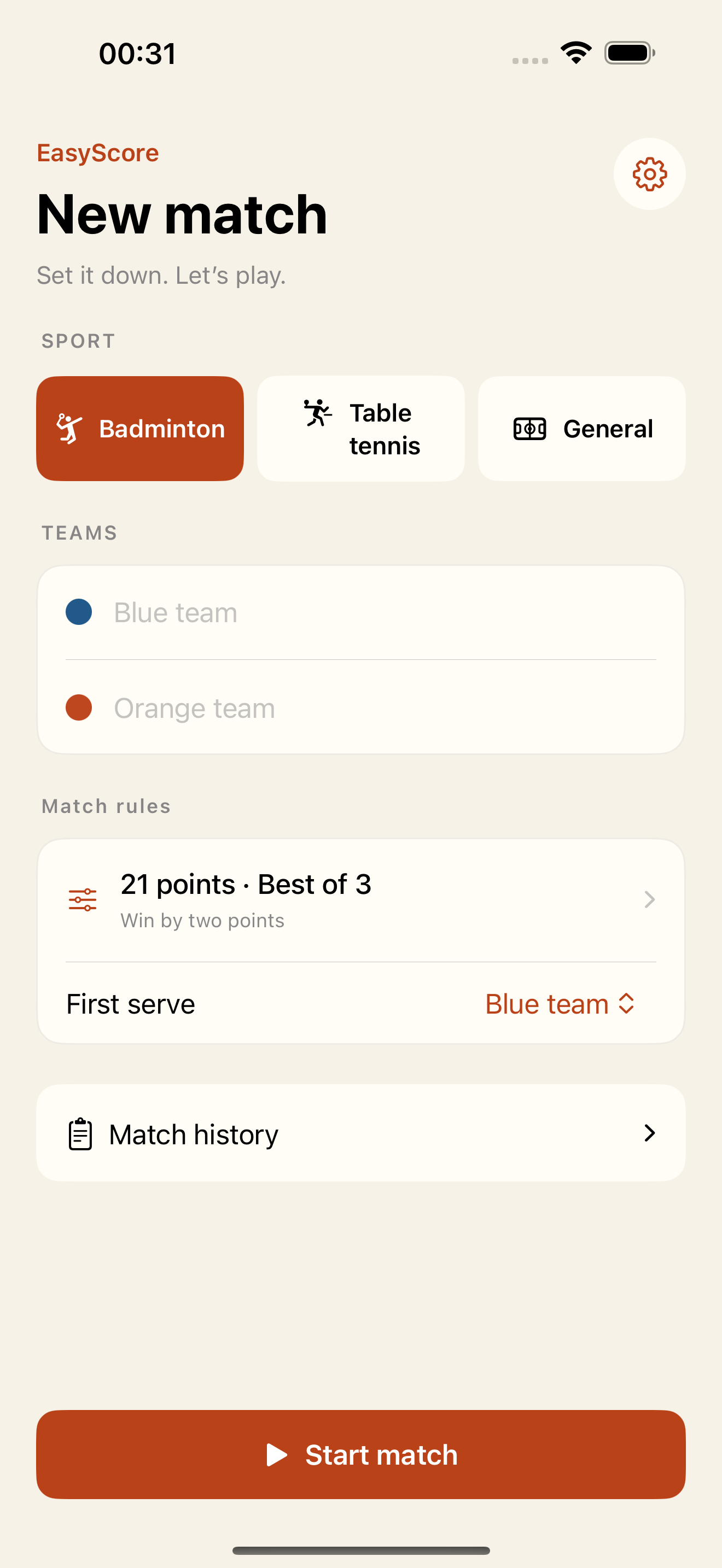
Use sport presets or set your own target, two-point margin, cap and number of sets.
Open original screenshot ↗Actual app interface · Sample names and scores
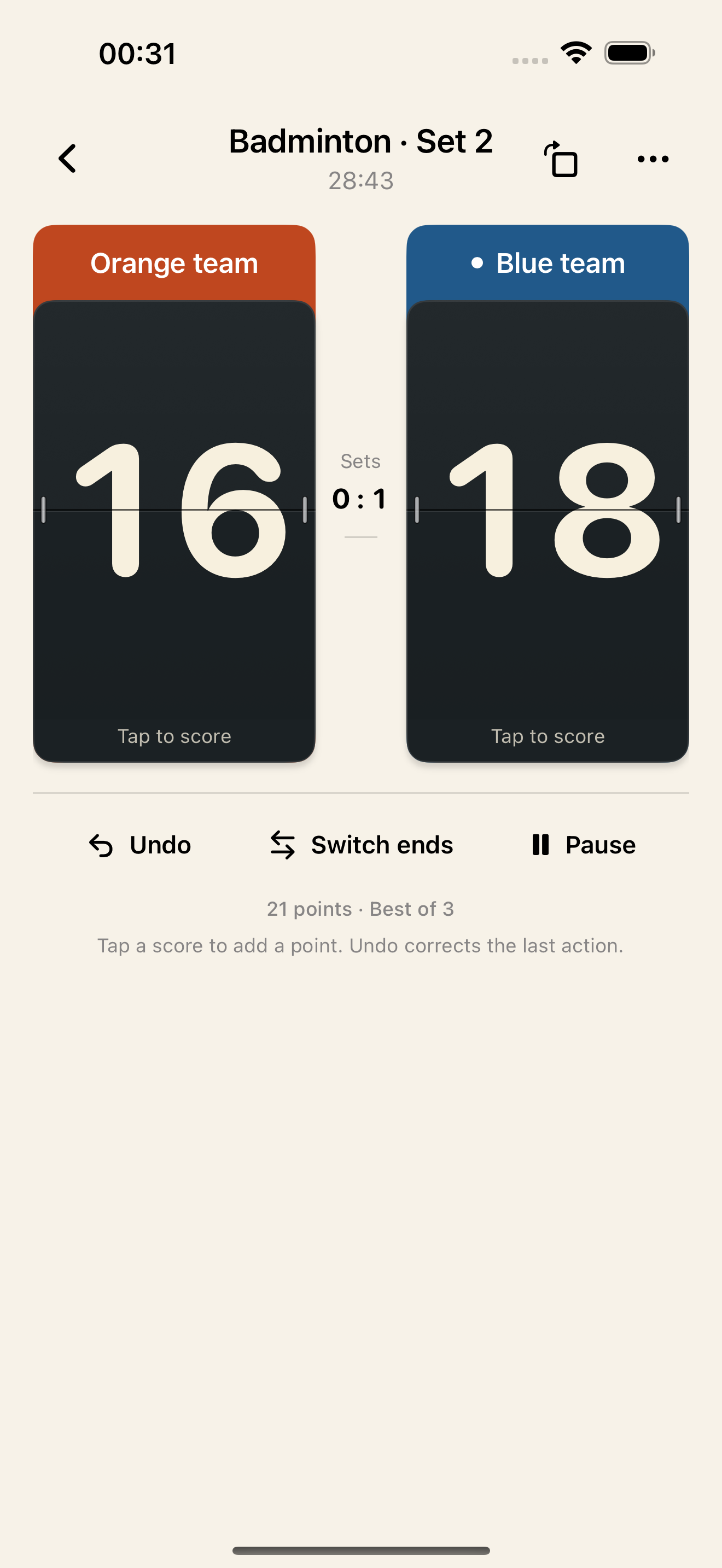
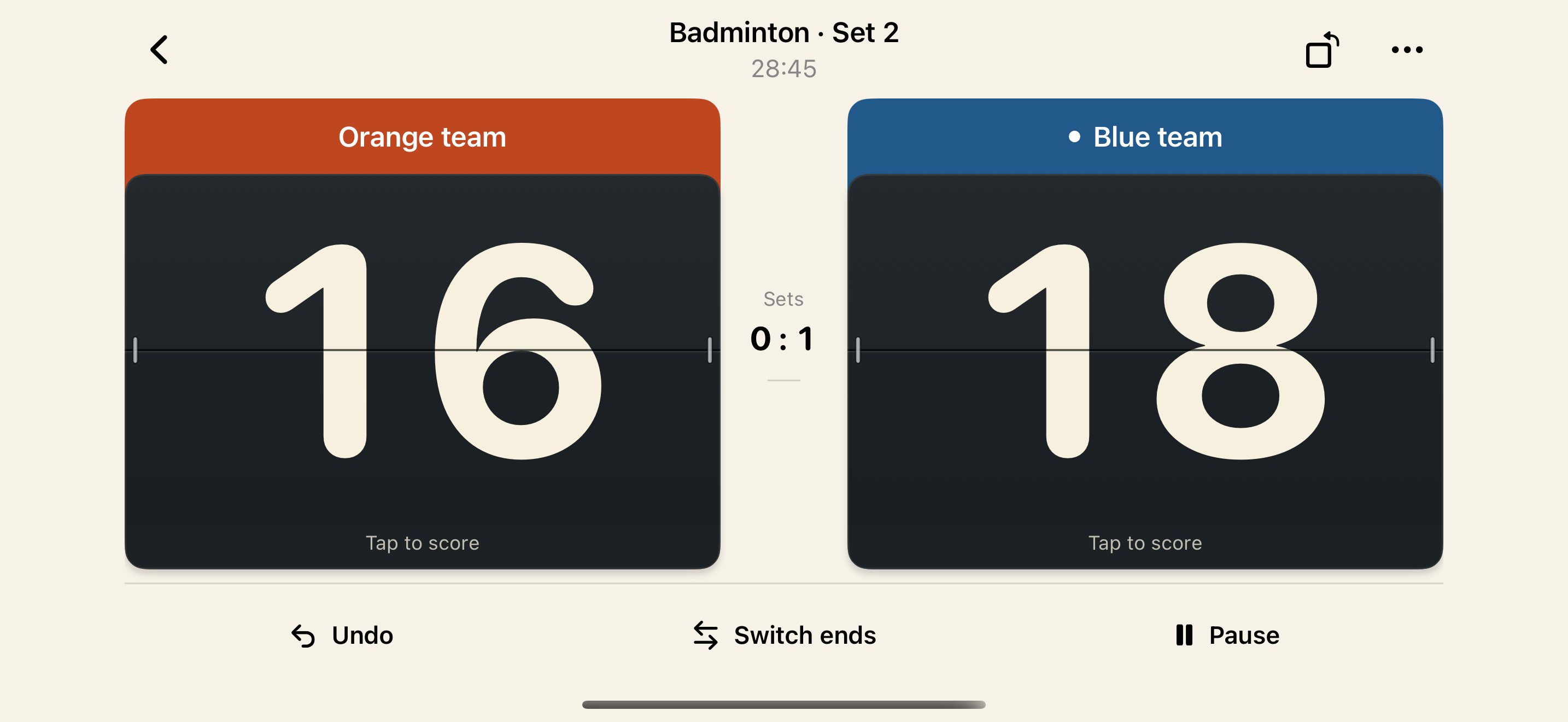
Split-flap numbers and tap-to-score controls. Undo, switch ends and pause sit just below the board.
Open original screenshot ↗Actual app interface · Sample names and scores
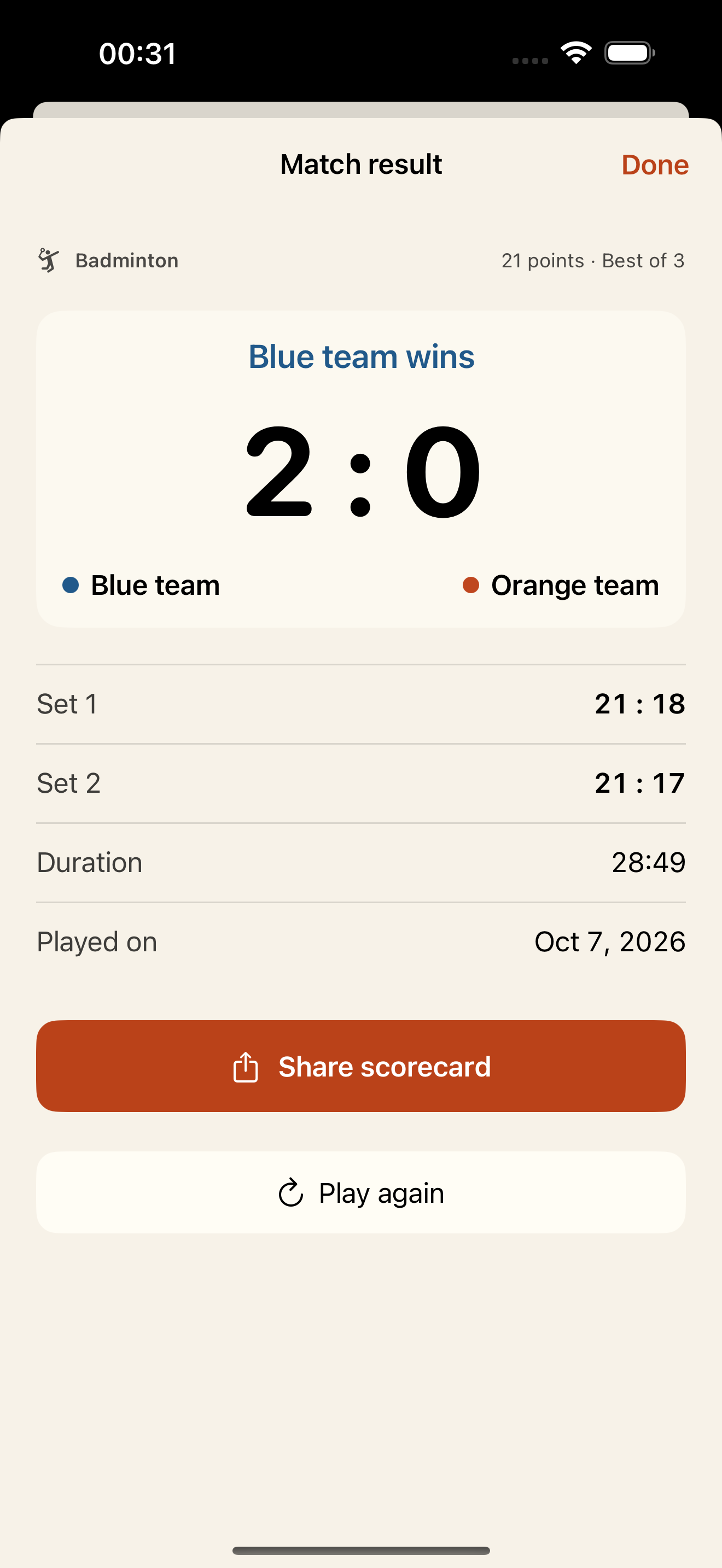
Keep scores, elapsed time and every set. Choose whether names, the date and branding appear on your shared scorecard.
Open original screenshot ↗Actual app interface · Sample names and scores
SET IT DOWN AT COURTSIDE
Use the orientation button on iPhone, or system rotation on iPad. Large scores are easy to read on a table and easy to look back on together.
OFFLINE. ON YOUR SIDE.
No sign-up, ads or behavior tracking. Export a full backup when you need one and import it on a new device. Accidentally deleted matches go to Trash first.
Badminton, table tennis and matches with flexible rules. Customize the point target, two-point margin, score cap and number of sets for friendly games.
Yes. Undo can reverse the previous point or next-set action, including a point that ended a set or match. Switching ends changes screen positions while scores stay with their teams.
EasyScore shows the serving side and switches ends for the next set. Mid-set court changes are manual. The serving indicator distinguishes teams; it does not manage individual doubles-player rotation.
No. Matches, rules and history stay on your device. There is no account or automatic cloud sync. Other apps may need a connection when you choose to share a scorecard or save a backup.
One paid download includes all features. No ads, subscriptions or in-app purchases. The App Store shows pricing for your region.
Export a full backup in Settings, then import it on the new device. Backups include matches and Trash, are not encrypted, and should be stored somewhere you trust. Shared scorecard images cannot be imported as editable matches.
GOOD GAME.
A simple tool to keep the game moving.
Help & support ↗For iPhone and iPad · iOS 17 or later