Measure. Note it down.
A date, height, weight, and a thought you want to keep.
FOR EVERY LITTLE BIT OF GROWING UP
A little taller today. Write it down, look back in a while, and see how all those small changes add up.
WeChat Mini Program · Chinese interface

START WITH ONE MEASUREMENT
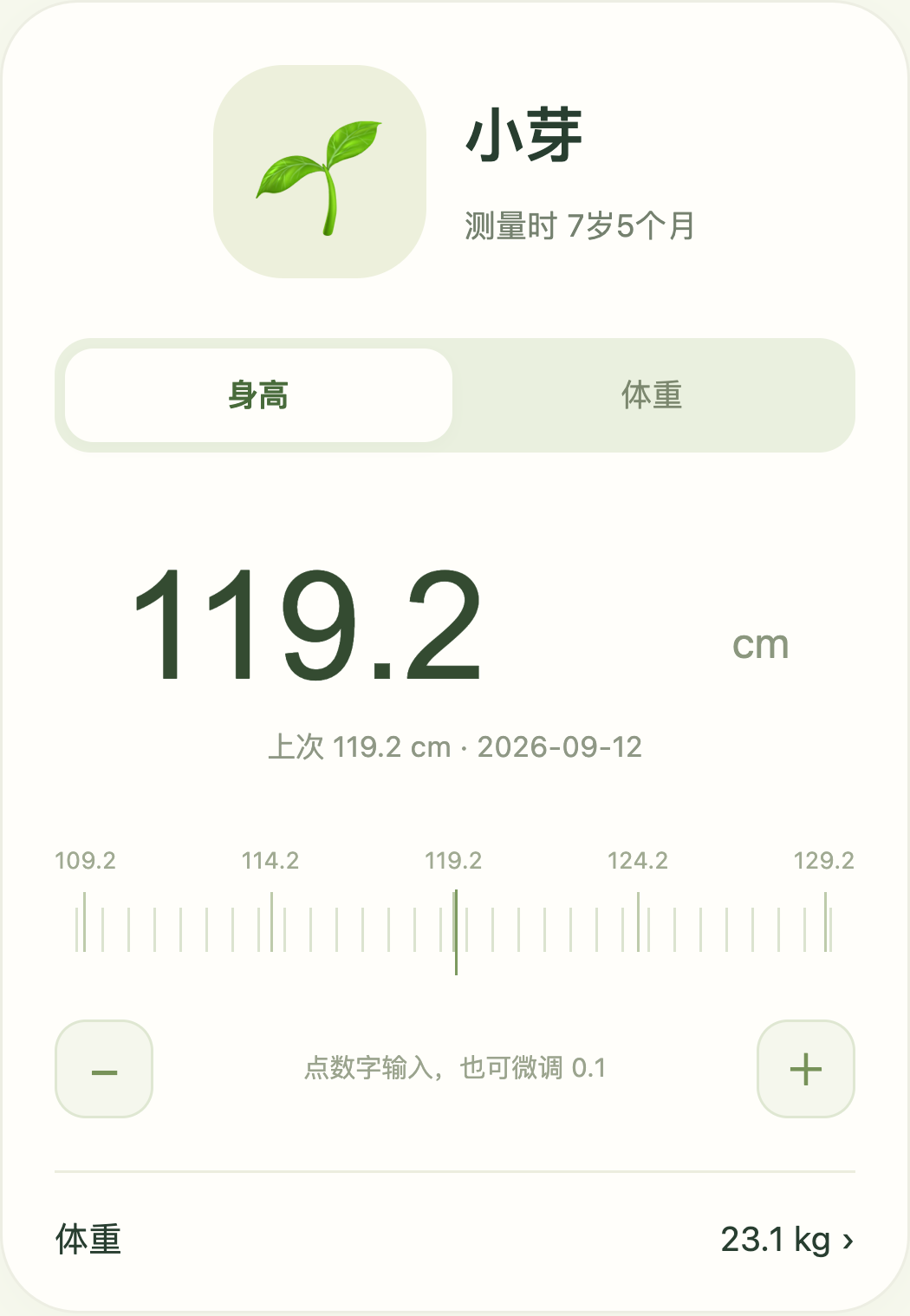
How tall this time? When was the last check? Keep a record you can find again, with the date and the little details that matter.
A date, height, weight, and a thought you want to keep.
Find past measurements and watch the line grow.
Save a selected part of the story as a growth card.
SMALL NUMBERS, EVERYDAY STORIES
View height and weight separately, and keep eye checks in their own records. The date stays with every measurement.

A note today makes it easier to remember tomorrow.
MY LITTLE SPROUT
108.5cm
Decimal notation · Recorded values only
Interactive illustration · Sample data
KEEP IT. COME BACK TO IT.
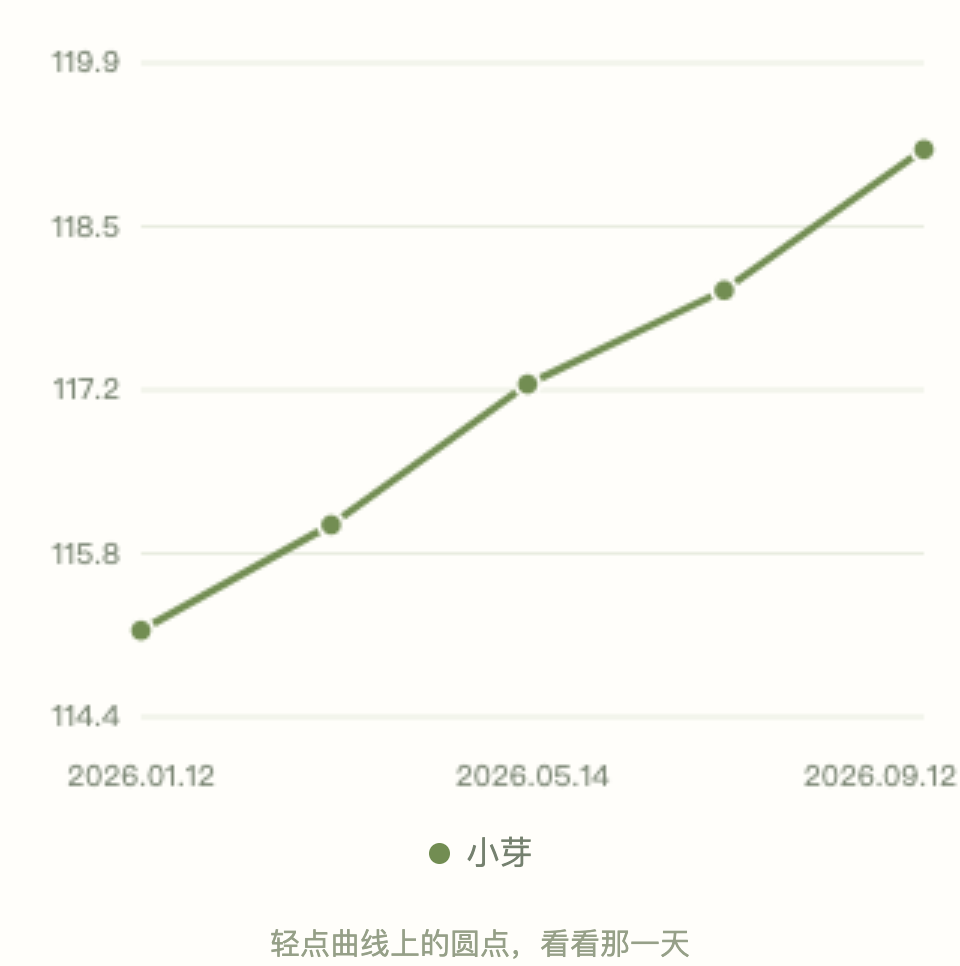
Actual interface examples with synthetic data. The Mini Program is in Chinese.
Add one child’s measurements or enter several together. Keep each child’s date, source, and notes.
Review height and weight by date. With a complete birth date, you can also compare by age at measurement.
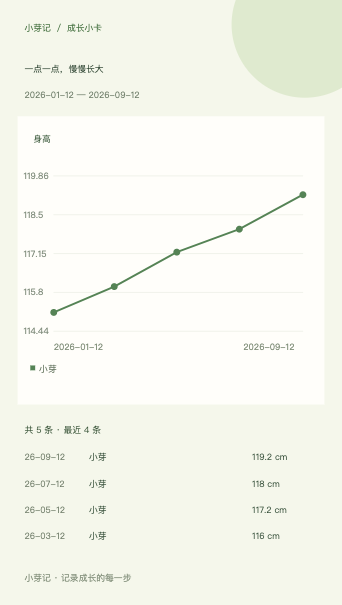
Choose children, a metric, and a date range. Hide names if you wish, and review the card before sharing.
LITTLE RECORDS, HANDLED WITH CARE
Records you create are saved on your device first. When cloud services are enabled, backup follows your consent to the saving notice. Check its status in the Mini Program.
Select the children, metric, and dates, and optionally hide names. Growth cards exclude birth dates, examination sources, and private notes.
Export a complete JSON backup or measurement CSV. Imports ask you to review child identities and conflicts before saving.
Xiaoyaji is a record-keeping tool, not a medical diagnostic service. Consult a qualified doctor for health advice.
FAQ
Scan the Mini Program code with WeChat. On a phone, save the code, open Scan in WeChat, and select it from your photo library. The Mini Program currently has a Chinese interface.
Yes. Each child has their own profile and measurement history. Enter measurements individually or in a batch, then view or compare height and weight changes.
Yes. Use the actual measurement date. If the same child already has a height or weight record for that day, you will review it before any replacement.
Date-based charts do not. Age comparisons require a complete birth date. An estimated age is never drawn as an exact age.
No. Xiaoyaji stores left and right eye measurements such as acuity, sphere, cylinder, and axis. It does not diagnose conditions or recommend medication or treatment.
Export a complete JSON backup or a measurement CSV. If cloud services are enabled, automatic backup follows your consent. Check backup results in the Mini Program and keep a separate export of important records.
A PLACE FOR THE NEXT LITTLE CHANGE
Begin with today’s measurement.

On your phone: save image → WeChat Scan → choose from Photos